
CRM integration has become essential for businesses that rely on multiple tools to manage sales, marketing, customer service, finance, and operations. Connecting these systems can create a unified view of customer information, reduce manual work, and improve business efficiency.
However, CRM integration is rarely as simple as connecting two applications and switching on synchronization. Differences in data structures, APIs, security requirements, workflows, and business processes can create significant challenges.
In this blog, we explore the top CRM integration challenges and practical solutions businesses can use to build reliable, scalable, and secure integrations.
What Is CRM Integration?
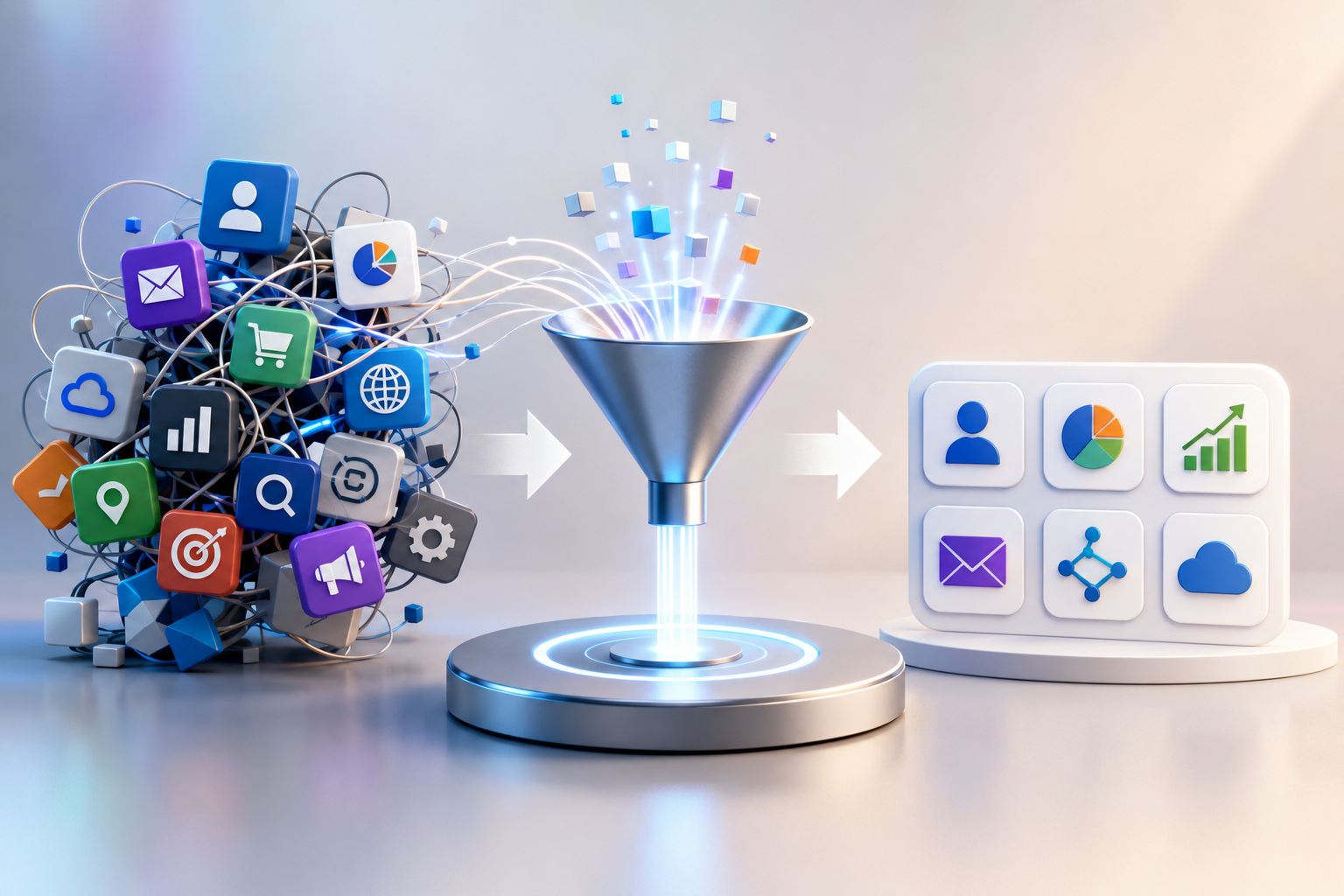
CRM integration is the process of connecting a CRM platform with other business applications so that customer data and workflows can move automatically between systems.
Common systems integrated with CRMs include:
- Marketing automation platforms
- Email and communication tools
- ERP and accounting software
- E-commerce platforms
- Customer support systems
- Payment gateways
- Business intelligence and analytics platforms
- Lead-generation and advertising platforms
The goal is to reduce data silos and create a reliable flow of information across the organization. APIs, middleware, integration platforms, webhooks, and prebuilt connectors are commonly used to accomplish this.
1. Poor Data Quality and Duplicate Records
The Challenge
One of the most common CRM integration problems is inconsistent or duplicate customer data.
For example, the same customer might enter the CRM through a website form, an email marketing platform, a sales representative, and an e-commerce system. If these systems use different matching rules, they can create multiple records for the same person.
Duplicate records can lead to:
- Incorrect sales reports
- Repeated marketing communication
- Inaccurate customer profiles
- Poor lead routing
- Confusing customer service interactions
The Solution
Establish clear data governance before implementing synchronization.
Businesses should:
- Define a unique customer identifier.
- Standardize names, phone numbers, email addresses, and other key fields.
- Implement deduplication rules.
- Decide which system is the source of truth for each data type.
- Validate data before it enters the CRM.
- Schedule regular data-quality checks.
A well-designed integration should prevent duplicates rather than simply clean them up afterward.
2. Inconsistent Data Mapping
The Challenge
Different applications rarely use exactly the same data structure.
One system may use “Customer Type,” while another uses “Account Category.” A CRM might store a customer’s full name in one field, while another application separates first and last names.
Without proper mapping, data can be placed in the wrong fields, rejected, or lost during synchronization.
The Solution
Create a detailed field-mapping document before development begins.
For every important field, define:
- Source field
- CRM field
- Data type
- Transformation rules
- Required or optional status
- Default values
- Validation rules
Also test the mapping with realistic records before going live. This can prevent many integration errors and data inconsistencies.
3. API Limitations and Compatibility Issues
The Challenge
APIs allow applications to communicate, but not every API works the same way.
Common problems include:
- API rate limits
- Authentication failures
- Limited endpoints
- Different data formats
- API version changes
- Request timeouts
- Pagination restrictions
- Missing webhook support
As integrations scale, API limits and throttling can cause synchronization failures or delays.
The Solution
Design the integration to handle API limitations from the beginning.
Useful techniques include:
- API request batching
- Rate-limit monitoring
- Retry mechanisms
- Exponential backoff
- Queue-based processing
- Incremental synchronization
- Webhook-based updates where appropriate
- API version management
- Caching for frequently requested data
For complex environments, an integration platform or middleware layer can also reduce the need to build and maintain numerous point-to-point connections.
4. Real-Time Data Synchronization
The Challenge
Businesses increasingly expect customer information to be available immediately.
A sales representative might update a customer’s status in the CRM, while the marketing platform needs that information immediately to stop a campaign. Similarly, a customer may complete a purchase and the CRM should reflect that transaction without waiting for the next scheduled synchronization.
Batch synchronization can create delays and outdated information.
The Solution
Choose the synchronization model according to business requirements.
Real-time integration is useful for critical events such as:
- Lead creation
- Customer status changes
- Purchases
- Support escalations
- Payment events
Batch synchronization can be appropriate for:
- Historical data
- Large reporting datasets
- Non-critical updates
- Periodic data enrichment
A hybrid model often provides the best balance between performance, reliability, and cost.
5. Security and Privacy Risks
The Challenge
CRM integrations increase the number of systems that can access customer information. Each additional connection introduces potential security and privacy risks.
Different applications may have different authentication mechanisms, permissions, encryption standards, and security controls.
The Solution
Security should be designed into the integration rather than added later.
Recommended practices include:
- Use secure authentication methods such as OAuth where supported.
- Apply role-based access controls.
- Follow the principle of least privilege.
- Encrypt sensitive data during transmission.
- Secure API credentials and tokens.
- Monitor access and integration activity.
- Remove unnecessary permissions.
- Maintain audit logs.
- Review applicable data privacy and compliance requirements.
Security controls should also be reviewed whenever a new application is added to the CRM ecosystem.
6. Authentication and Permission Errors
The Challenge
Sometimes an integration is correctly configured but suddenly stops working because an access token expires, credentials change, or permissions are modified.
These failures can be difficult to detect if there is no monitoring or alerting.
The Solution
Build authentication management into the integration architecture.
For example:
- Automatically refresh expiring tokens where supported.
- Store credentials securely.
- Monitor authentication failures.
- Alert administrators when authorization is revoked.
- Regularly review integration permissions.
- Maintain a documented recovery process.
This turns authentication from a potential single point of failure into a manageable operational process.
7. Workflow and Business Logic Conflicts
The Challenge
Two connected systems may have completely different business rules.
For example, a CRM could mark a lead as Qualified, while the marketing platform still considers that lead active in a nurturing campaign.
If both systems automatically update the same field, they may continuously overwrite each other.
The Solution
Define business ownership for every important field and workflow.
Before implementing two-way synchronization, determine:
- Which system owns the data?
- Which system can update it?
- When should changes be synchronized?
- What happens when two systems make conflicting changes?
- Which value should take priority?
Clear ownership rules help prevent overwrite loops and conflicting updates.
8. Integration Errors and Failed Syncs
The Challenge
Even well-designed integrations will occasionally encounter failures.
A record might contain an invalid value, a required field may be missing, an API may become temporarily unavailable, or a downstream system may reject a request.
The biggest problem isn’t necessarily that an error occurs—it is when nobody knows that it happened.
The Solution
Implement centralized monitoring and error handling.
A reliable integration should provide:
- Detailed error logs
- Failed-record tracking
- Automatic retries
- Exception queues
- Integration health dashboards
- Email or application alerts
- Manual replay capabilities
Monitoring allows teams to identify problems before they become business-critical.
9. Scalability and Performance
The Challenge
An integration that works perfectly with 1,000 records may struggle when the business reaches 1 million records.
As data volume grows, organizations can encounter:
- Slow synchronization
- API throttling
- Database bottlenecks
- Processing queues
- Increased infrastructure costs
- Longer integration windows
The Solution
Design for future growth instead of today’s data volume.
Scalable integration architectures can use:
- Asynchronous processing
- Message queues
- Batch operations
- Incremental synchronization
- Pagination
- Caching
- Load management
- Database indexing
- Horizontal scaling where appropriate
Performance should also be monitored continuously so bottlenecks can be addressed before they affect users.
10. Lack of Testing and Monitoring
The Challenge
Some CRM integrations are tested only with a few successful records before being deployed.
That isn’t enough.
Real-world data contains missing values, duplicates, unexpected formats, invalid characters, large volumes, and edge cases.
The Solution
Use a structured testing process.
Test:
- New record creation
- Record updates
- Record deletion or deactivation
- Duplicate records
- Missing required fields
- Invalid values
- API failures
- Authentication failures
- Large data volumes
- Simultaneous updates
- Network interruptions
- Recovery after failures
Whenever possible, use a sandbox or test environment before making changes to production.
11. User Adoption and Process Changes
The Challenge
Even technically successful integrations can fail to deliver value if employees don’t understand or trust them.
Users may continue maintaining spreadsheets or manually entering information if they don’t understand how synchronized data works.
The Solution
Make integration improvements visible and easy for users.
Businesses should:
- Provide training.
- Explain changes to existing workflows.
- Reduce unnecessary manual data entry.
- Give users clear instructions for handling exceptions.
- Collect feedback after deployment.
- Monitor adoption and data quality.
The best integration is often the one users barely notice because it removes repetitive work from their daily processes.
Best Practices for Successful CRM Integration
To minimize CRM integration challenges, businesses should follow a structured approach.
1. Define Clear Objectives
Start with the business problem, not the technology.
Determine what the integration needs to accomplish and how success will be measured.
2. Identify the System of Record
Decide which application owns each major type of data.
For example:
- CRM → customer relationship data
- ERP → financial transactions
- E-commerce platform → orders
- Marketing platform → campaign activity
3. Standardize Data
Clean and normalize data before synchronization.
4. Choose the Right Integration Method
Depending on the use case, consider:
- Native connectors
- APIs
- Webhooks
- Integration platforms
- Middleware
- Custom integrations
5. Design for Failure
Assume that APIs will fail, networks will go down, records will contain bad data, and users will make unexpected changes.
Build retries, logging, alerts, and recovery processes accordingly.
6. Monitor Continuously
Integration monitoring shouldn’t stop after deployment. Track synchronization status, error rates, API usage, processing times, and data quality.
Read Also: Omnichannel Customer Experiences in B2B Markets: From Multiple Touchpoints to One Seamless Journey