
In B2B businesses, managing leads, sales conversations, follow-ups, customer information, and internal workflows can quickly become complicated. Sales teams often spend valuable time on repetitive administrative tasks instead of focusing on prospects and customers.
This is where CRM automation can make a significant difference.
CRM automation helps B2B companies automate repetitive processes within their customer relationship management system, from lead assignment and follow-up reminders to email campaigns, sales notifications, and customer data management.
When implemented correctly, automation can help businesses improve productivity, respond to leads faster, reduce manual errors, and create a more consistent customer experience.
What Is CRM Automation?
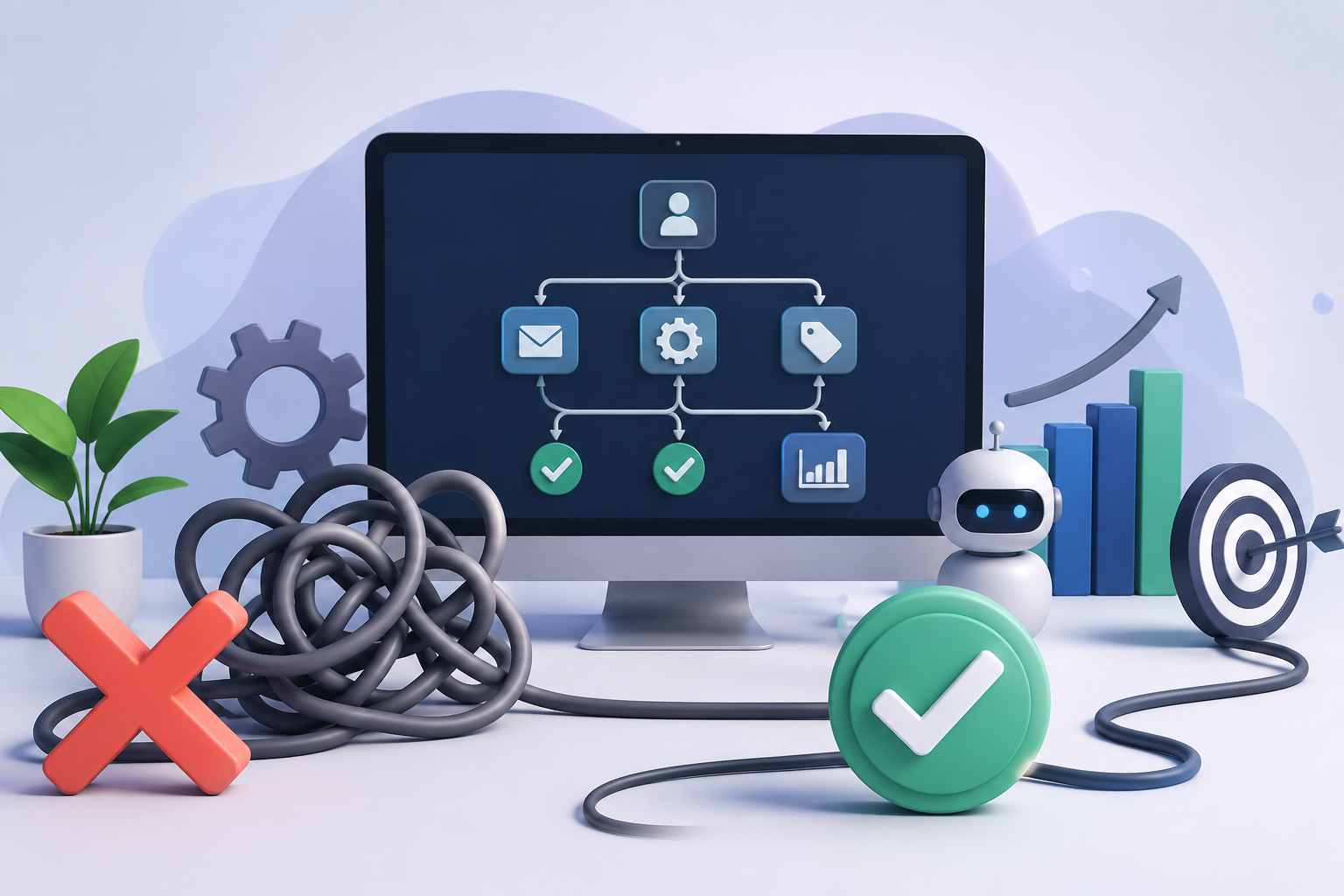
CRM automation is the use of software and predefined workflows to automatically perform repetitive CRM-related tasks.
Instead of requiring employees to manually update records, send reminders, assign leads, or move prospects through sales stages, a CRM can perform these actions based on predefined rules and triggers.
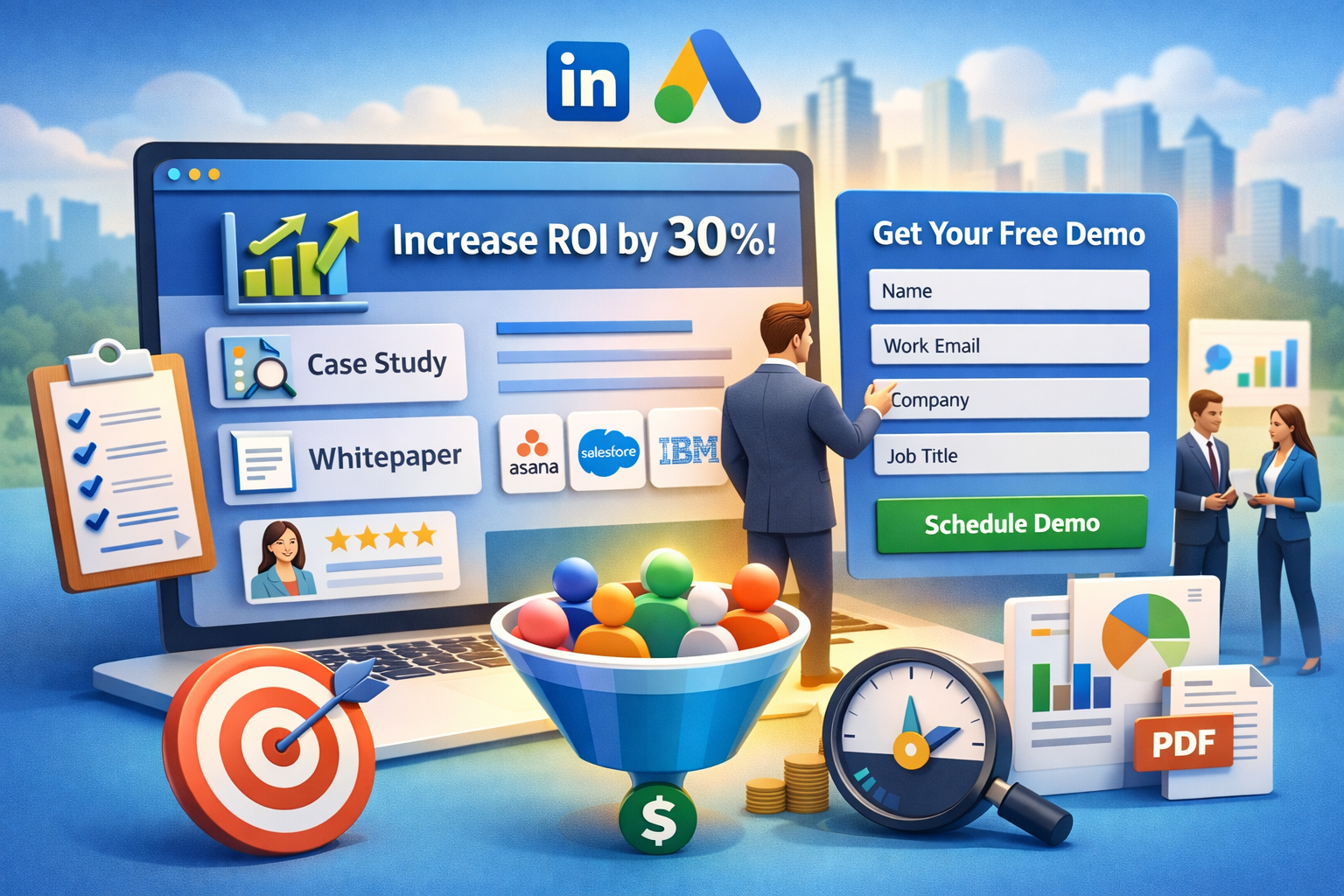
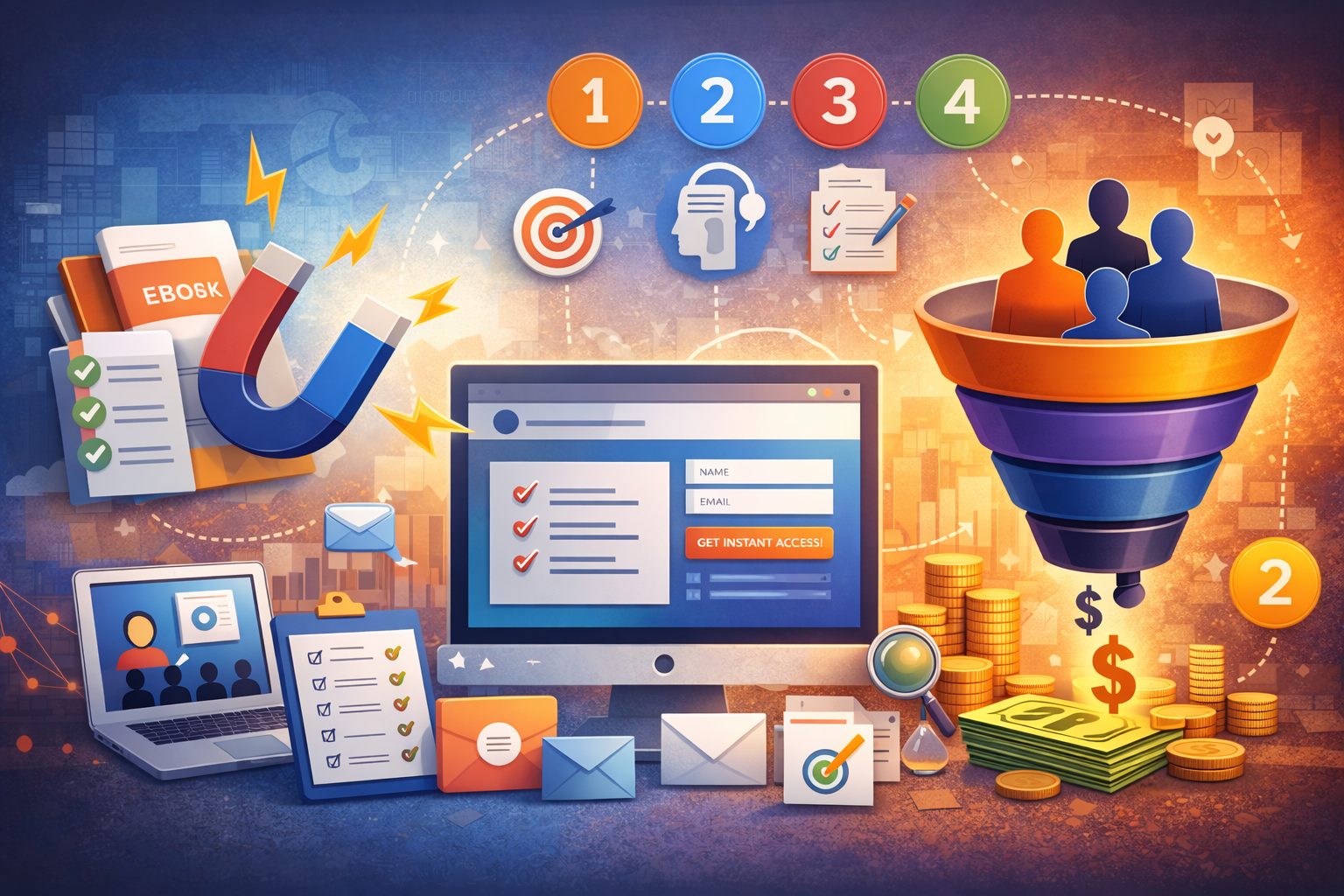
For example, when a prospect fills out a form on a company’s website, an automated CRM workflow could:
- Create a new contact record.
- Assign the lead to the appropriate salesperson.
- Send an initial email to the prospect.
- Create a follow-up task for the sales representative.
- Notify the sales manager.
- Update the lead’s status automatically.
This allows sales and marketing teams to spend less time managing processes and more time engaging with potential customers.
Why CRM Automation Matters for B2B Companies
B2B sales cycles are often longer and involve multiple decision-makers. Leads may interact with a company through several channels before becoming customers.
Without automation, keeping track of every interaction can become difficult.
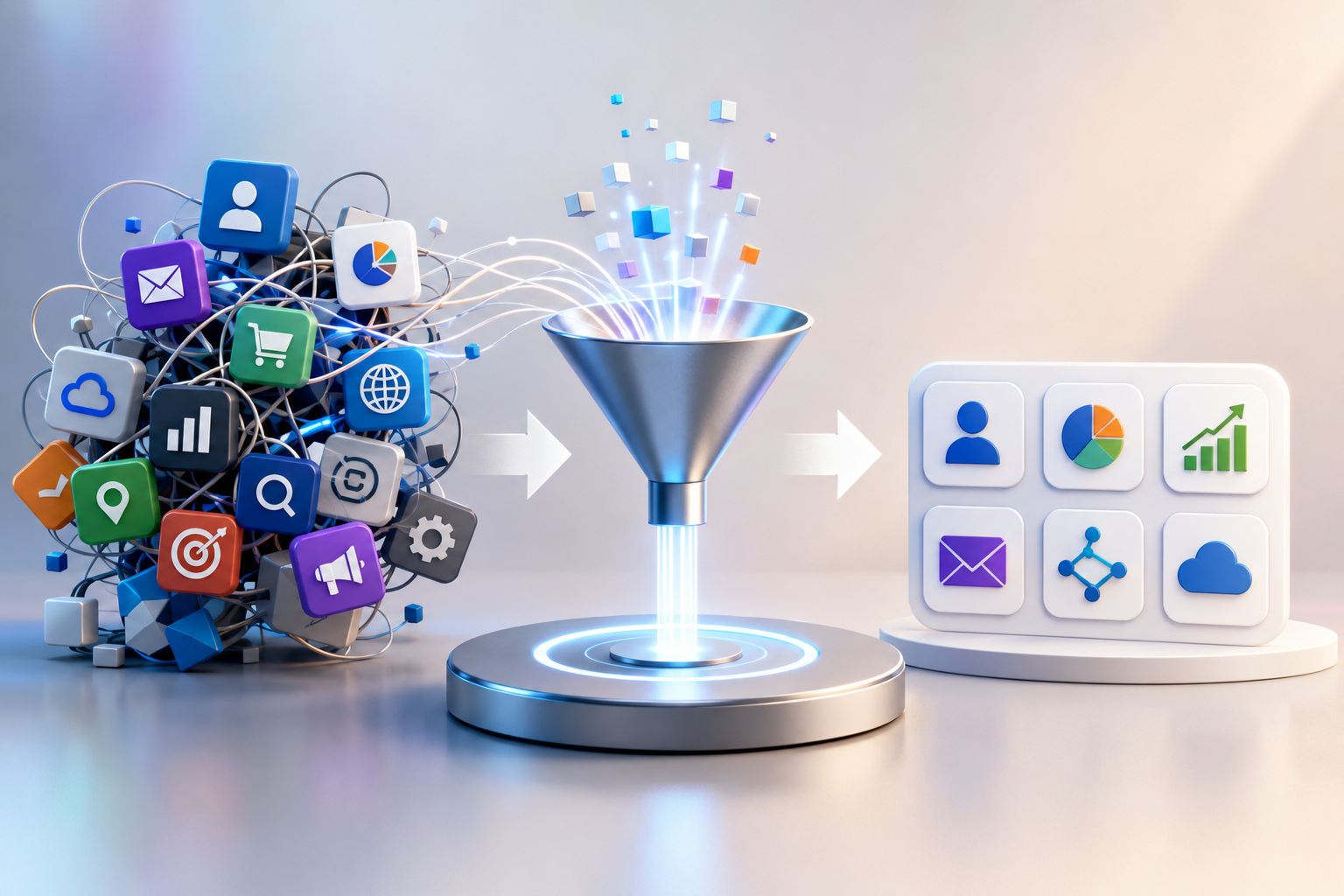
CRM automation provides a centralized and structured way to manage these processes.
1. Faster Lead Response
Speed matters when a potential customer shows interest.
Automated lead routing can immediately assign new leads to the appropriate salesperson or team. Automated emails can also acknowledge an inquiry while the sales representative prepares a personalized response.
A faster response can prevent qualified prospects from losing interest or moving to a competitor.
2. Fewer Manual Tasks
Sales representatives frequently spend time performing administrative tasks such as:
- Updating CRM records
- Creating follow-up reminders
- Entering customer information
- Sending routine emails
- Assigning leads
- Updating deal stages
- Generating reports
Automation can handle many of these repetitive activities, giving employees more time for prospecting, relationship building, and closing deals.
3. Better Lead Management
Not every lead is ready to speak with sales immediately.
CRM automation can help businesses segment and score leads based on factors such as company size, industry, engagement, website activity, and previous interactions.
High-value or highly engaged prospects can be prioritized for sales follow-up, while less-ready leads can enter automated nurturing campaigns.
4. Consistent Follow-Ups
One of the most common problems in B2B sales is inconsistent follow-up.
A salesperson may forget to contact a prospect after a meeting or fail to follow up after sending a proposal.
Automated reminders and workflows can reduce these gaps.
For example, a CRM could automatically create a follow-up task three days after a proposal is sent if the prospect has not responded.
5. Improved Data Accuracy
Manual data entry increases the possibility of mistakes and incomplete records.
Automation can standardize how information is captured and updated. This helps teams maintain cleaner customer data and gives sales and management teams a more reliable view of their pipeline.
Key CRM Automation Workflows for B2B Companies
Different B2B organizations will have different requirements, but several automation workflows are particularly useful.
Lead Assignment
When a new lead enters the CRM, automation can assign it according to predefined criteria.
For example:
Lead source → Industry → Territory → Sales representative
This ensures that leads reach the right person without requiring manual intervention.
Lead Nurturing
Some prospects need time before making a purchase decision.
Automated email sequences can provide useful content at different stages of the buyer journey. Prospects can receive educational articles, case studies, product information, and other relevant resources based on their interests.
Follow-Up Reminders
CRM automation can create reminders when:
- A new lead arrives
- A meeting ends
- A proposal is sent
- A prospect becomes inactive
- A deal remains in the same stage for too long
This helps sales teams maintain momentum throughout the buying process.
Deal Stage Automation
A CRM can automatically update certain fields or trigger actions when a deal moves from one stage to another.
For example:
Qualified → Proposal → Negotiation → Closed Won
When a deal reaches the proposal stage, the CRM could automatically create a task for the salesperson and notify the relevant manager.
Customer Onboarding
Automation shouldn’t stop once a deal is closed.
After a customer signs a contract, CRM workflows can trigger onboarding activities such as welcome emails, task assignments, account setup, and customer success notifications.
This creates a smoother transition from sales to customer success.
CRM Automation and Marketing Automation
CRM automation and marketing automation are closely connected but serve different purposes.
Marketing automation focuses primarily on attracting, engaging, and nurturing prospects.
CRM automation focuses more broadly on managing customer and prospect relationships, sales processes, and customer data.
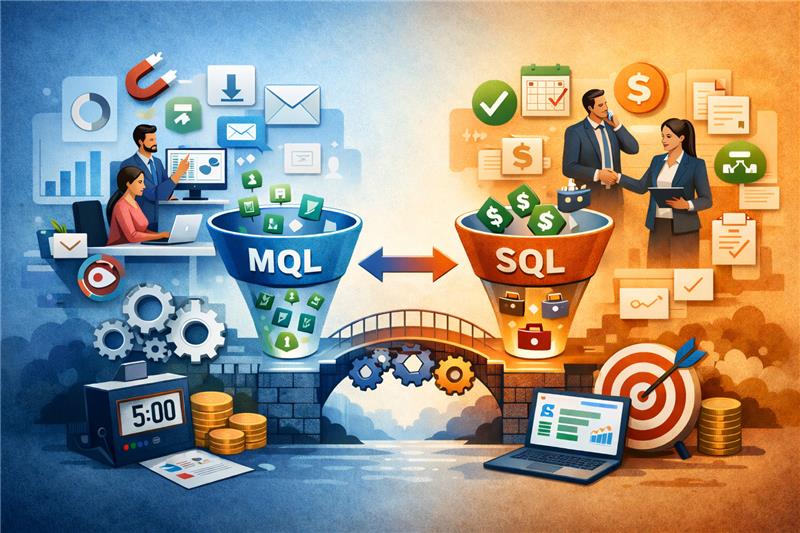
When the two systems work together, B2B companies can create a more connected customer journey.
For example:
Website visit → Lead capture → CRM record → Lead scoring → Automated nurturing → Sales notification → Sales follow-up → Opportunity → Customer onboarding
This reduces information gaps between marketing, sales, and customer success teams.
How to Implement CRM Automation Successfully
Automation should not be introduced simply because a CRM has automation features. The goal should be to solve specific business problems.
Step 1: Identify Repetitive Processes
Start by documenting tasks that employees perform repeatedly.
Look for processes involving:
- Manual data entry
- Repetitive emails
- Lead assignment
- Follow-up reminders
- Reporting
- Customer onboarding
- Internal notifications
These are often good candidates for automation.
Step 2: Define Clear Rules
Before creating an automated workflow, determine exactly what should trigger it and what should happen afterward.
For example:
Trigger: New qualified lead
Action: Assign to sales representative
Action: Send confirmation email
Action: Create follow-up task
Action: Notify sales manager
Clear rules make automation easier to manage and improve.
Step 3: Keep Data Clean
Automation is only as effective as the data behind it.
Companies should establish consistent rules for contact information, lead sources, customer segments, deal stages, and other important CRM fields.
Poor-quality data can cause automated workflows to produce poor results.
Step 4: Start Small
Businesses don’t need to automate everything at once.
Start with one or two high-impact workflows, measure the results, and then expand.
For example, a company might begin with automated lead assignment and follow-up reminders before introducing more advanced workflows.
Step 5: Monitor and Improve
CRM automation should be reviewed regularly.
Track metrics such as:
- Lead response time
- Conversion rate
- Sales cycle length
- Follow-up completion rate
- Pipeline value
- Customer retention
- Sales productivity
These metrics can reveal which workflows are working and where improvements are needed.
Common CRM Automation Mistakes
Automation can create problems when implemented without a clear strategy.
Automating Too Much
Not every customer interaction should be automated. Complex B2B sales often require human communication and relationship building.
Poor Data Quality
If customer information is inaccurate or incomplete, automated workflows may send the wrong messages or assign leads incorrectly.
Overloading Customers With Messages
Too many automated emails can frustrate prospects. Automation should support relevant communication rather than replace thoughtful engagement.
Ignoring the Sales Team
Sales representatives should be involved in designing automation workflows. They understand the practical challenges of the sales process and can identify which tasks are genuinely worth automating.
The Future of CRM Automation
CRM automation is becoming increasingly intelligent as businesses adopt AI and advanced analytics.
Modern CRM systems can increasingly help teams identify high-value opportunities, summarize customer interactions, recommend next steps, predict sales outcomes, and personalize communications.
For B2B companies, the biggest opportunity isn’t simply automating more tasks. It is using automation and intelligence together to help employees make better decisions while maintaining meaningful customer relationships.
Read More: How Data-Driven Decisions Are Reshaping B2B Businesses