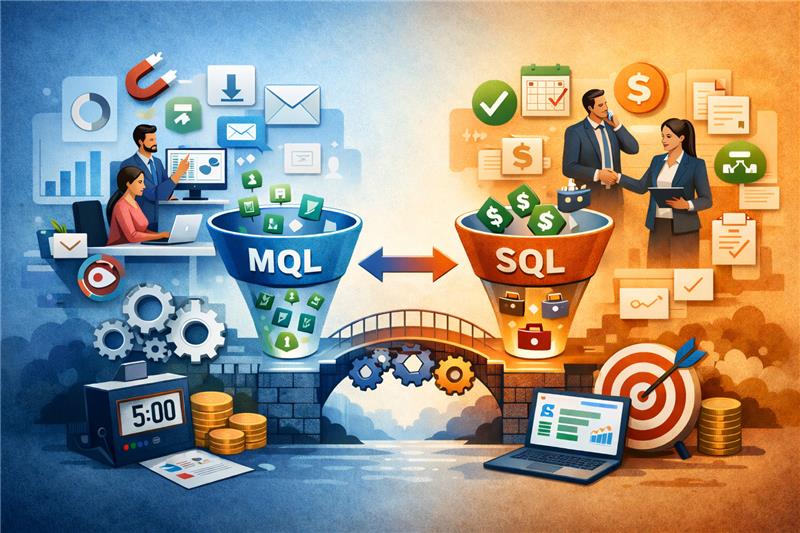

In today’s fast-evolving digital landscape, your marketing technology stack (MarTech) can either be your most powerful growth engine—or a source of waste and inefficiency. An audit helps uncover gaps, redundancies, and missed opportunities so you can realign your tools with your goals. Here’s how to execute a thorough MarTech audit in just 30 days.
📅 Week 1: Preparation and Inventory
1. Define Audit Objectives
Start by setting clear goals. Are you looking to reduce costs? Improve data flow? Increase ROI? Some common audit goals include:
- Eliminating redundant tools
- Enhancing integration between platforms
- Increasing usage and ROI
- Ensuring data privacy compliance
2. Assemble the Right Team
Involve key stakeholders from:
- Marketing
- Sales
- IT
- Data/Analytics
- Finance (if budgeting is involved)
3. Inventory All Tools
Document every tool your team uses, including:
- CRM (e.g., Salesforce, HubSpot)
- Email marketing platforms
- Adtech tools
- Web analytics tools
- Social media management software
- Customer data platforms (CDPs)
- A/B testing tools
Pro tip: Use a spreadsheet to track tool name, cost, purpose, users, renewal dates, and integrations.
Read Also: The Role of Multilingual SEO in Global Tech Marketing
📅 Week 2: Evaluation & Usage Review
4. Assess Tool Utilization
Ask:
- Is the tool actively used?
- Are we using all key features?
- How many people use it, and how often?
You can usually find usage data in platform dashboards or by asking team members directly.
5. Analyze Performance & ROI
For each tool, answer:
- What KPIs does this support?
- Is there measurable ROI?
- Are marketing goals being met more effectively?
If ROI is unclear, the tool might not be aligned with strategic priorities.
6. Check for Redundancy
Look for tools that:
- Have overlapping functionality
- Were introduced temporarily but never removed
- Are used by just one person or team when others could benefit
📅 Week 3: Integration, Security & Compliance
7. Evaluate Integrations
- Are your tools properly connected?
- Are data flows smooth and automated?
- Are there manual processes that could be automated?
Lack of integration can hurt efficiency and lead to data silos.
8. Check Security & Compliance
- Are tools GDPR/CCPA compliant?
- Are there outdated systems that pose security risks?
- Is data being stored or transferred securely?
Involve your IT or InfoSec team for deeper evaluations here.
📅 Week 4: Decision & Action Plan
9. Categorize Your Stack
Sort your tools into these categories:
- Keep (high value, high usage)
- Optimize (good tool, but underused or poorly configured)
- Replace (not meeting goals, better alternative available)
- Retire (low/no usage, redundant)
10. Create an Optimization Roadmap
For each tool, define next steps:
- Renew, renegotiate, or cancel licenses
- Train team members on underused features
- Plan integrations or migrations
11. Communicate Outcomes
Share findings with stakeholders. Provide:
- A summary of what will change
- Rationale behind each decision
- Timeline for next steps
Final Thoughts
An annual MarTech audit can unlock significant value—cutting costs, boosting efficiency, and improving campaign performance. With a structured 30-day plan, you can clean up your stack and build a more agile, ROI-focused marketing operation.
Read Also: How to Rank Tech Gadgets & Products on Google Shopping